
Typing is the biggest bottleneck in modern knowledge work. Thoughts fly at 100+ km/h; fingers crawl at 40-50 words per minute (WPM). The result is frustration, writer's block, and hours lost to polishing rough drafts.
In 2026, speaking plus smart AI cleanup is 3-4x faster writing for most people. Speak naturally, get polished text, then send or publish with almost no editing.
The real speed math in 2026
- Average typing speed (most professionals): 40-52 WPM
- Average natural speaking pace: 120-150+ WPM
- With pauses and corrections: dictation still wins by 3x
- With AI cleanup (tone, grammar, structure): real-world gain often reaches 4x because you skip most post-editing
Bottom line: a 300-word email that takes 6-8 minutes to type can be spoken, cleaned, and sent in under 2 minutes.
Why dictation feels magical on Mac right now
Modern Mac dictation is not just transcription anymore. The best tools:
- Understand context and intent
- Remove filler words ("um", "you know")
- Rewrite in professional tone
- Format bullets, paragraphs, and emails automatically
- Work across every app (Slack, Notes, Cursor, Pages, browser)
Step-by-step: How to start writing 4x faster today
- Choose your tool wisely
Free and basic: Apple Dictation (fast setup, but raw output).
Clean and polished: Orater.ai (Mac-only, offline mode, tone rewrite, 21-day free trial, no card). - Set up a shortcut
Hold Option or a custom global hotkey to start speaking instantly. - Speak naturally, not robotically
Talk like you are explaining to a colleague. The AI handles punctuation and structure. - Use voice commands lightly
"New paragraph", "make this bold", "rewrite more professional". - Quick review and send
Good tools give near-ready text. Scan for 10-20 seconds and ship.
The Orater workflow (clean writing in seconds)
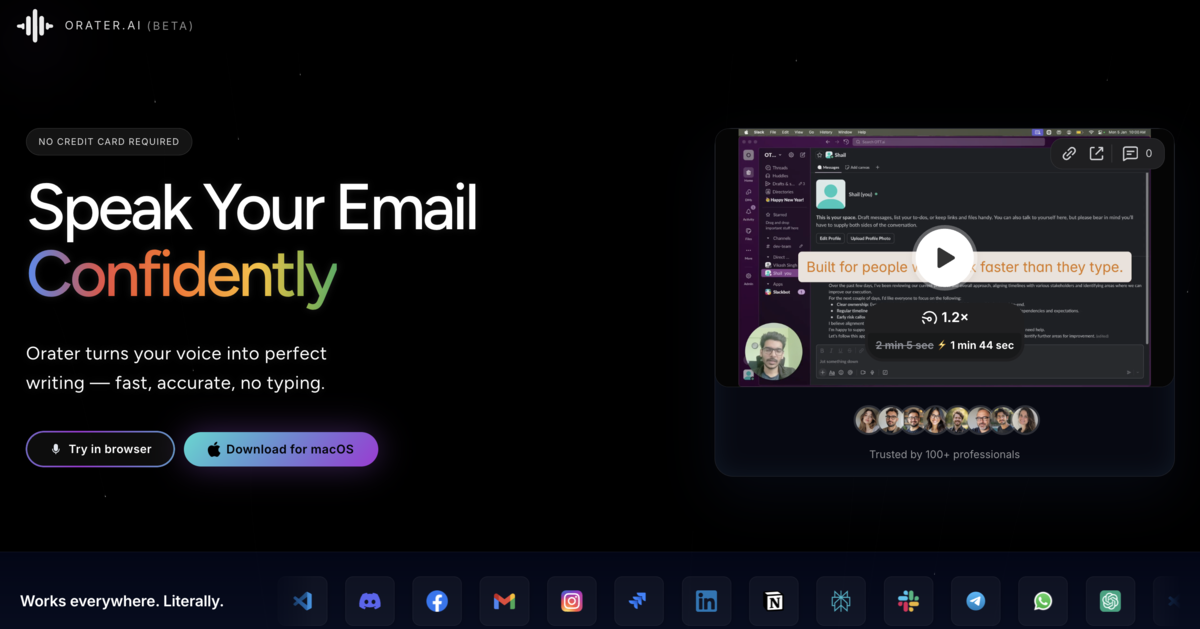
Orater is built exactly for this: speak messy thoughts, hold to record, release, and get polished writing inserted anywhere.
- Offline or on-device mode (privacy first)
- Automatic grammar and tone adjustment
- Multi-language support (great for non-native English)
- Works in every Mac app
Pro tips to maximize speed
- Dictate in a quiet environment (an external mic helps a lot)
- Train yourself to speak in complete sentences
- Use "rewrite this section funnier/shorter/more formal" prompts
- Combine with text-expansion tools for repeated phrases
- Walk and dictate for brainstorming (headphones and Mac)
FAQs
How much faster is dictation than typing on Mac?
Most people speak 120-150+ words per minute vs average typing of 40-50 WPM. With good cleanup tools like Orater, real-world gain is often 3-4x faster after minimal editing.
Is Apple Dictation fast enough in 2026?
It is free and zero-setup, but output is usually raw. You will spend time fixing grammar, tone, and structure. Tools like Orater save more time overall by delivering send-ready text.
What is the best dictation app for clean writing on Mac?
Orater turns natural speech into polished, professional writing with tone rewrite, grammar fixes, and formatting when you need quality, not just transcripts.
Final thought
Stop typing. Start speaking. In 2026 the technology is finally good enough that dictation is not a compromise - it is an upgrade.
Try Orater free for 21 days (no card) and feel the difference.