 Orater.ai (BETA)


Works everywhere. Literally.











See Orater in Action
Your voice, transformed into polished text instantly.
One voice tool for long dictation, fast note-taking, messages in any language, and every typing task you do everyday.
All your languages
in One Keyboard
you speak naturally in 100+ languages & accents, Orater handles the rest.
Hands Free for
long speech
Start Orater & keep speaking, it captures every word without touching the screen.

Hold & speak for quick notes
Tap & hold to record short thoughts and release to drop perfect text anywhere.
4x faster than typing
Powerful enough to replace your keyboard for all your writing. Orater captures your words at the speed of speech, so you can get more done in less time.
Fix grammar, remove fillers, and adjust your writing style
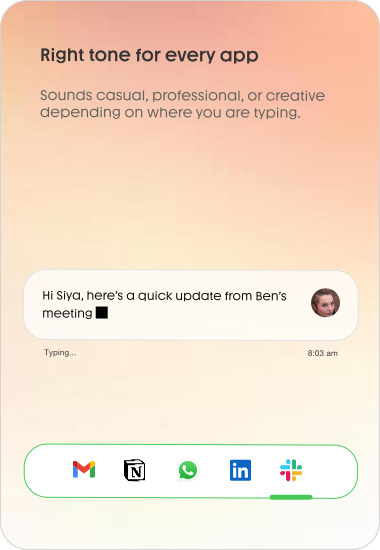
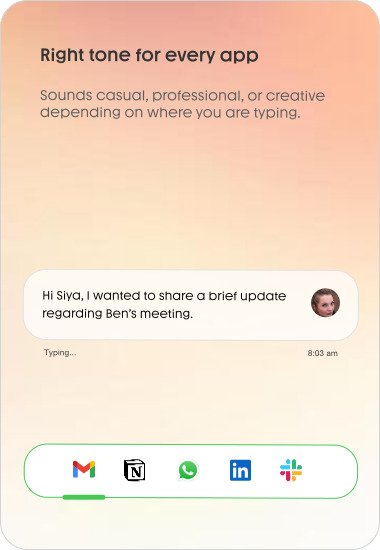
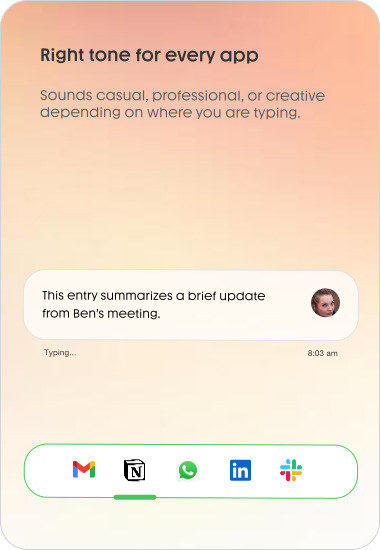
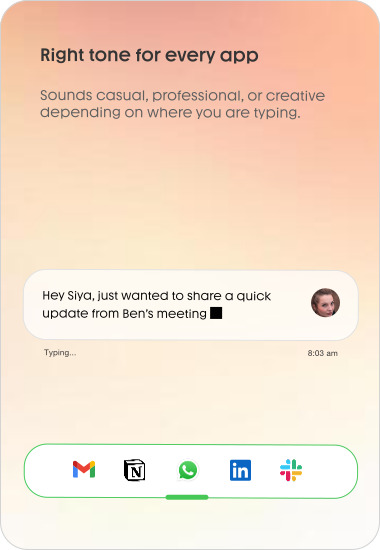
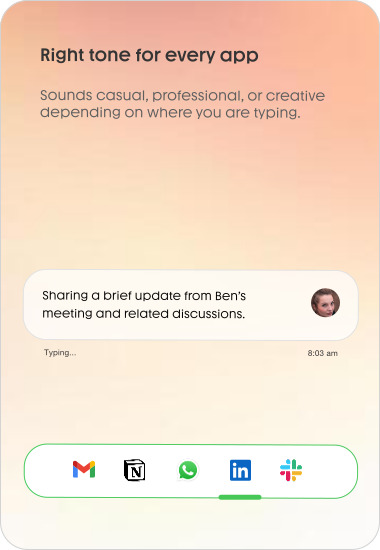
Choose how seriously you write.
Download the app to get started with 21 days of Orater Pro for free.
Casual
Full Pro access for 21 days. Then stay free forever.
Free
- Fully offline perfect dictation
- 21 days of Daily Writer (Pro) free
- 4,000 words per month enhanced on Mac
- Auto tone and style adjustments
- Works anywhere (Slack, WhatsApp, Cursor, etc.)
- Support for 100+ languages to English
- Privacy mode (Zero Data Retention)
Daily Writer
Unlimited words. Faster processing. Zero limits.
$12
- Everything in Casual, plus:
- Unlimited words to dictate
- Optimized speed and reliability
- Increased dictation length
- Priority processing
- Priority support
Read the latest voice-to-text guides
Short, practical posts that make dictation feel natural and your writing faster.
How to Write 4x Faster on Mac
Voice dictation speed math, best tools, and the Orater workflow for clean writing.
Read article →Typing Is a Bottleneck
A modern voice-first workflow for faster writing across Slack, email, and docs.
Read article →Apple Dictation vs Orater
A fair comparison for Mac dictation: speed, cleanup, privacy, and best use cases.
Read article →Browse all blog posts and guides.